
← Back to the farm
Pitt Farm — Wildflower Seed Growers

Pitt Farm / Inside the home

Home
automation.

Lighting, blinds and everyday routines, brought together with Home Assistant and Lutron RadioRA 3.

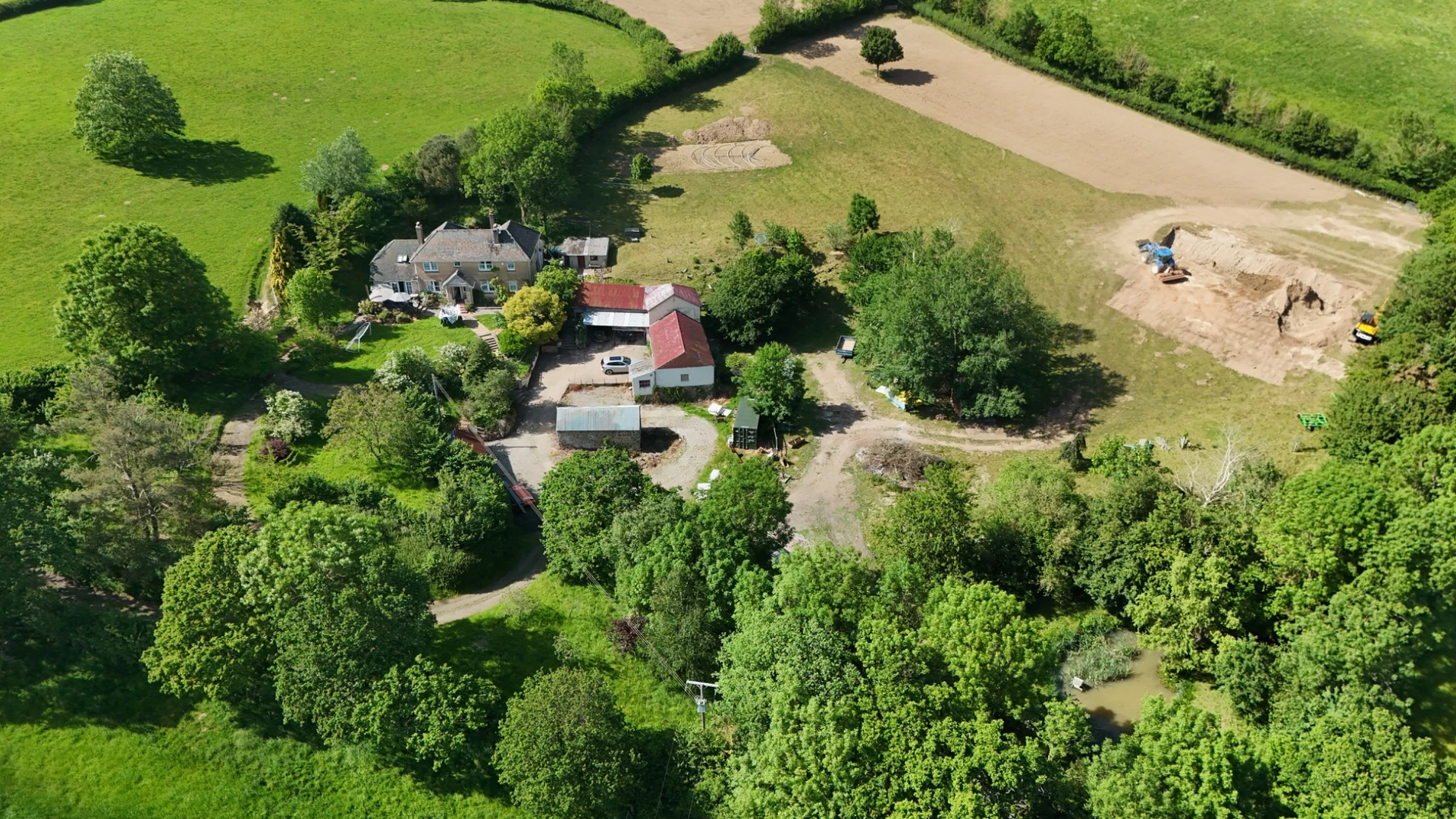
The farmhouse at Pitt Farm, surrounded by trees and fields
Connected-home ideasA little closer to home.

01 / The platforms

Two systems.
Different strengths.

A look at the software that connects devices and the controls that shape the lighting.

Automation & dashboards

Home Assistant

Open-source home automation with an emphasis on local control and privacy. Bring compatible devices into a shared dashboard and create routines around the way you use your home.

  • Devices & services One place to manage them
  • Automations Actions tied to events
  • Dashboards Views you can customise
Visit home-assistant.io

Lighting & blinds

Lutron RadioRA 3

A professionally installed system for lighting, blinds and wireless controls. Its devices communicate using Lutron’s Clear Connect radio technology, independently of Wi-Fi.

  • Lighting Dimmers & switches
  • Window treatments Compatible motorised blinds
  • Physical controls Keypads & remotes
Explore RadioRA 3

02 / Working together

Connected through
Home Assistant.

Home Assistant’s Lutron Caséta integration also supports RadioRA 3. It uses a local-push connection, with supported devices reporting changes as they happen.

  1. Start with RadioRA 3.

    Have the Lutron system installed and configured, including its lighting, blinds and wall controls. Check the processor and device support for your regional system.

  2. Add the integration.

    In Home Assistant, open Settings → Devices & services → Add integration and choose Lutron Caséta. Follow the pairing prompts.

  3. Build shared routines.

    Use discovered lights, switches, blinds and supported button events in your dashboards and automations.

03 / Everyday possibilities

Make room for
your own routines.

Illustrative ideas to adapt to your home and compatible devices.

01

Welcome home.

When you arrive after dark, bring up the hallway lights and make the entrance easy to see.

02

Evening light.

At sunset, lower selected blinds and dim the living-room lights to a comfortable level.

03

Good night.

Use a keypad button to turn off downstairs lights and leave a little light along the way to bed.

04

A gentler morning.

Open bedroom blinds at your chosen time and bring up the kitchen lights for the start of the day.

04 / Go a little further

Straight to
the source.

Official product information and documentation for planning your own setup.